
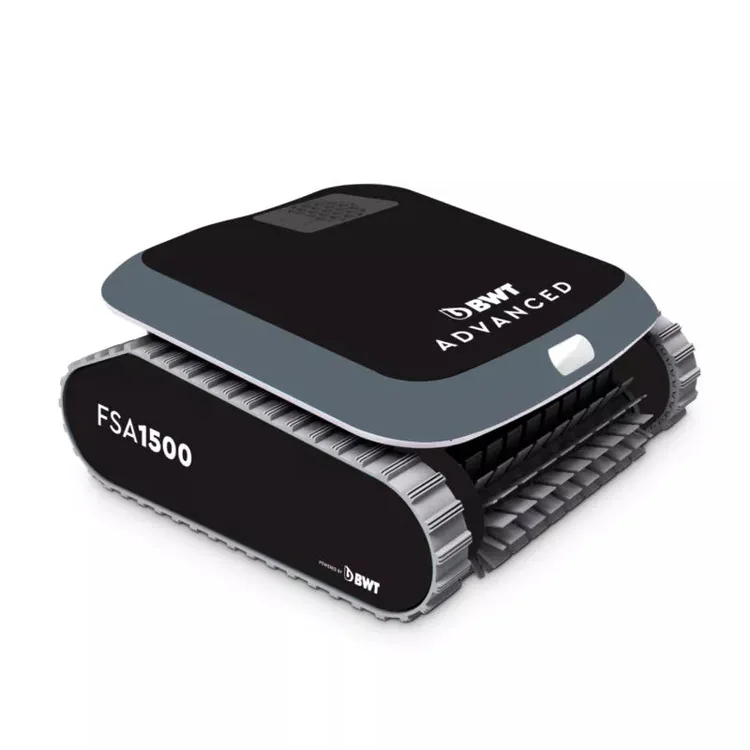
FSA1500 Advanced
Limited evidenceRead the findings →The smaller of BWT's corded FSA robots, light and run from one button. It suits small to mid-sized pools with nothing to set up. BWT seems to have stopped selling it directly, so you'll need to find a dealer.
See the alternatives below, or switch market.
Where it sits in BWT’s range
- FSA1500 AdvancedThis model
- ES NanoCordless BWT for pools up to about 10 metres
- BWT FSA1800 AdvancedSame manual; adds Bluetooth app control and a full-filter light
- FSA2400 AdvancedMicrofibre 4D filter and pink lights, for larger pools
Feedback
What we know
Per the BWT it shares with the FSA1800, the FSA1500 Advanced runs from a single on/off button, with no app or full-filter light. The specs BWT listed on its BWT product page put it at 5.75kg, with a 16-metre floating cable and a two-hour programme for the floor and walls. The BWT shop listing no longer includes it. Beyond those, we found only retailer listings and a feature-overview video.
Just an on/off button
In the BWT, the FSA1500's power supply has an on/off button only. The full-filter light and Bluetooth app, with its delayed start, cycle choice and repeat timer, are marked as FSA1800 features. So the FSA1500 runs its set programme, two hours per BWT's spec list, and stops on the pool floor when it's done. Plugging it in is the only way to schedule it.
Your share of the upkeep
Per the BWT, both filters need rinsing after every cycle, and the propeller should be cleared of hair now and then. To get it out, unplug the cable, pull the robot near the side and lift it out by the handle, never by the cable. The power supply must sit at least 3.6 metres from the pool, and whether it climbs your stairs depends on their shape and surface.
Dropped from BWT's own shops
When we checked, BWT's English, German and Austrian shop links for the FSA1500 sent us to the general pool robot range, and the BWT listing shows the FSA2400 but no FSA1500 or FSA1800. It looks as if BWT has stopped selling it directly. If you find one at a dealer, confirm the two-year warranty and that filters are still available.
What's not checked yet
No independent reviewer has put this model in a pool and reported back, so a few basics are open: how well it covers the floor, how it climbs walls, and how the filters cope with leaves. The BWT explains how to run and look after it, and the specs BWT published on its BWT page describe the hardware.
Our take
Should you buy the FSA1500 Advanced?
Best for: Pools whose owners want a simple cleaner without an app. Skip it if: You want a stronger record in independent tests before buying.
It could suit a small to mid-sized pool if you want a light corded robot with nothing to set up, but there's no test behind it and BWT seems to have stopped selling it directly. If you want a corded robot with proven results, the Dolphin Nautilus CC Plus impressed three testers. For app control and scheduling, look at the Hayward AquaVac 650.
The FSA1500 Advanced is the smaller of BWT's design-led FSA robots, below the FSA1800 and FSA2400. It plugs into the mains through a 16-metre floating cable, cleans the floor and walls on a two-hour programme, and weighs 5.75kg, which BWT says is about half the weight of a typical pool robot. It steers with a gyroscope and drives through two motors and planetary gears.
The trade-off is control. There's no app and no full-filter light, just an on/off button; those extras belong to the FSA1800. BWT's German and Austrian shops now redirect its page to the general pool robot range, so check a dealer still has stock and will honour the two-year warranty.
BWT's manual covers the FSA1500 and FSA1800 together, so read the model labels carefully.
Before you buy
The questions people ask about this one
Does it climb walls and clean the waterline?
BWT lists floor, wall and waterline cleaning, per the specifications. The BWT says it climbs the walls at intervals and that stairs depend on their shape and material. We found no independent test of it.
Does it need an app?
No, and it can't use one. The BWT gives the FSA1500 an on/off button only; the Bluetooth app and full-filter light are FSA1800 features. You start a clean by pressing the button or plugging it in.
How do I clean the filter?
Press the release button, pull out each of the two filters, open the case and hose it inside and out, per the BWT. BWT says to do this after every cycle, as there's no light to warn you.
How do I get it out of the pool?
Unplug the cable from the power supply, pull the cable until the robot is close, then lift it by the handle, per the BWT. It weighs 5.75kg, per the specifications, so it's light to lift.
Alternatives
Other robotic pool cleaners to compare.
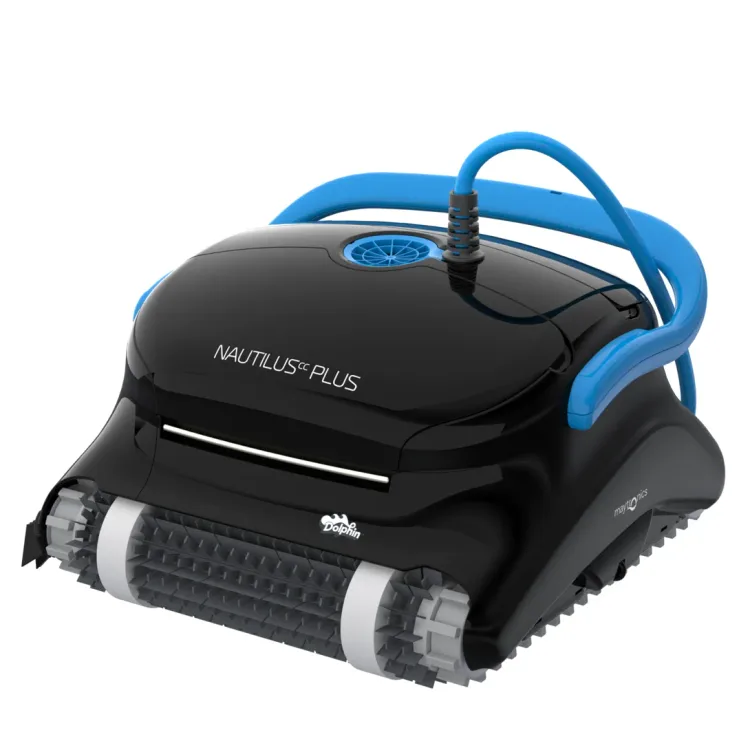
Nautilus CC Plus
Why consider it: Three independent testers found it cleans floors and walls quickly, with filters that are easy to empty.
The compromise: It sometimes sticks on steps, and testers disagree about whether it cleans the waterline.
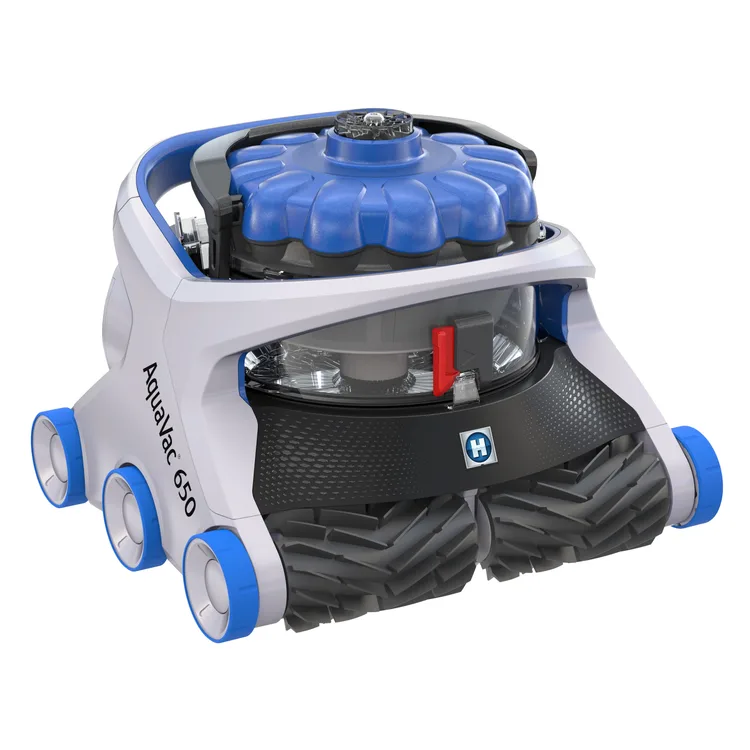
AquaVac 650
Why consider it: Another corded robot with Wi-Fi control, and both testers praised its cleaning and filterless canister.
The compromise: Neither tester could make its tug-the-cable recall work.
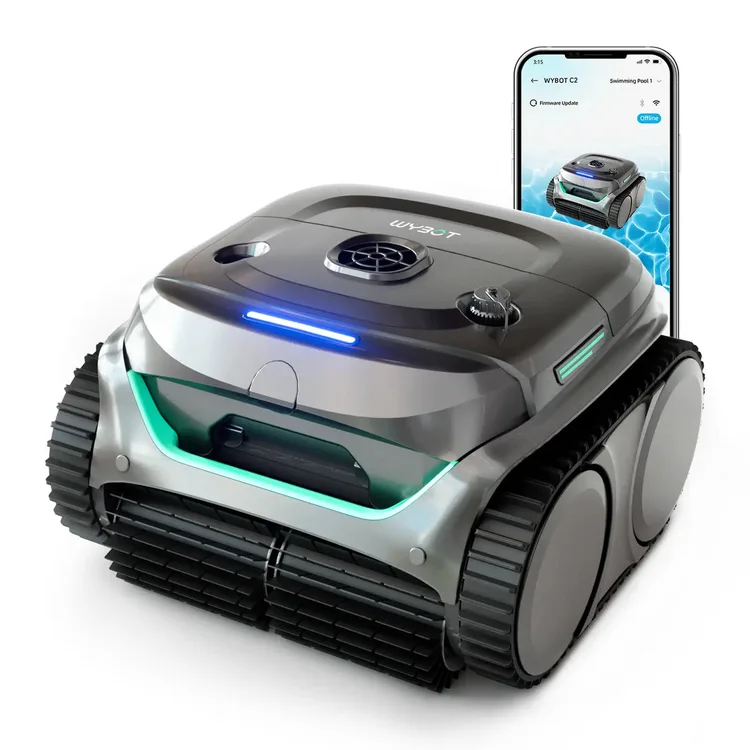
C2
Why consider it: Two testers found it simple and effective on everyday debris across the floor, walls and waterline.
The compromise: A third tester found its suction weak.
Specs
Full specifications
Each specification names its source. Manufacturer claims are not independent test results; unconfirmed figures are labelled.
Owner reviews
Do you own the FSA1500 Advanced?
Tell people how it’s held up: cleaning, maintenance, faults and support. Owner accounts are shown separately from independent reviews.
Sources
Where this page’s findings come from
Sources
Videos
- Search YouTube for BWT FSA1500 Advanced ↗Search results may include company demonstrations or similar models. Check the source and model name; a demonstration is not an independent performance test.