
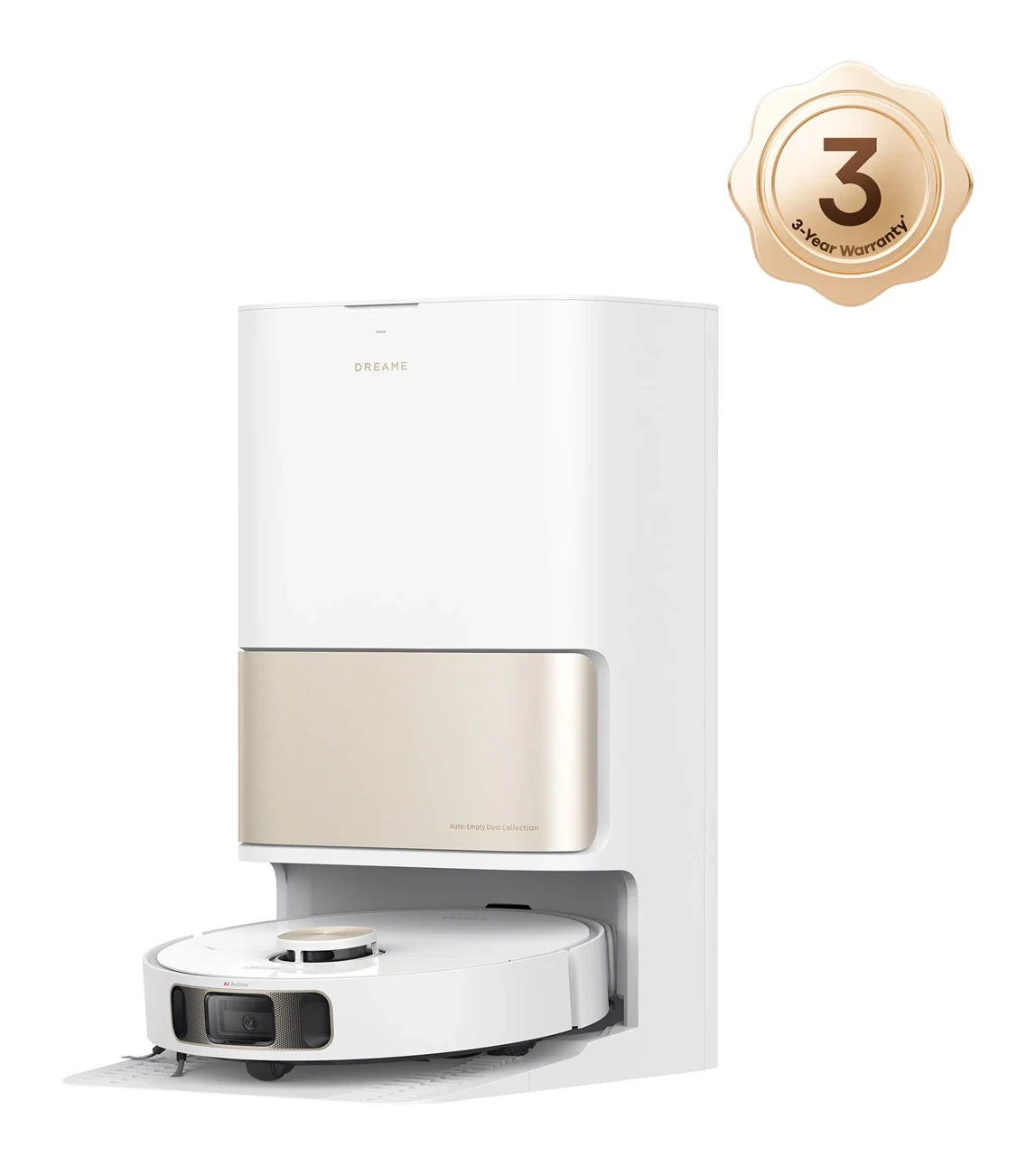
L10s Pro Ultra Heat
3 independent reviewsRead the findings →A mid-range Dreame whose mop swings out along skirting boards, with a dock that washes the pads in hot water. It's best for homes with mostly hard floors. Its raised mop pads can still touch carpet while damp.
Updated
See the alternatives below, or switch market.
Where it sits in Dreame’s range
- L10s UltraThe earlier L10s model this one builds on
- L10s Pro Ultra HeatThis model
- L10s Ultra Gen 2Later L10s with a higher suction claim · £289
- L20 UltraSame suction claim, but leaves its mops behind for carpet
- L40 UltraNewer, adds a swing-out side brush
Feedback
What reviewers found
Three reviews from different homes over different lengths of time: Notebookcheck used a sample for a few weeks, BTTR ran it daily for two months, and The AU Review used it for several months in an apartment. All three liked the everyday cleaning and the way the dock looks after the mops. BTTR also had a torn brush and damp pads touching carpet, and those are practical problems you'd have to live with, not just a matter of taste.
Notebookcheck, hands-on, A few weeks at home, Feb 2024 · BTTR, hands-on, 2 months at home, May 2024 · The AU Review, hands-on, A few months of ownership, Sept 2024
Hard floors
Reviewers rate it highlyBTTR found it handled dust and dirt on hard floors well over two months of daily use, and Notebookcheck rated its cleaning good. The AU Review was also happy with its suction on hardwood.
Carpet and rugs
Not enough evidenceOnly Notebookcheck judged carpet, finding the suction enough for short-pile rugs. No other review we use has tested it on carpet yet.
Pet hair
Not enough evidenceNo review we use has tested pet-hair pickup yet. BTTR found hair tangles tore its rubber main brush after about 20 hours, so check the brush often if you have long hair in the house.
Mopping
Reviewers rate it highlyNotebookcheck found the swing-out mop cleaned along skirting boards and round chair legs, BTTR called routine mopping great, and The AU Review saw heated washing help lift kitchen-tile stains. The lifted pads still brushed carpet for BTTR.
Navigation and obstacles
Reviewers rate it highlyNotebookcheck found navigation mostly reliable, with thin chair legs rarely a problem, though shoelaces tangled it badly. BTTR had one cable snag in two months, and The AU Review praised its object avoidance.
Dock and upkeep
Reviewers rate it highlyBTTR found the 58°C pad wash kept the mops free of musty smells over two months, and Notebookcheck says the station makes life much easier, with tanks to fill or empty only occasionally. The dirty tank still needs emptying after mops.
App and software
Reviewers rate it highlyNotebookcheck found plenty of options for suction, water and routes, plus photos of what the camera spotted, and The AU Review liked its wide range of settings.
Noise
Mixed resultsNotebookcheck found it as loud as usual while vacuuming and noisy when drying, and The AU Review says it isn't the quietest it has tested. BTTR heard only slight background noise while the dock washed and dried the pads.
Reliability and support
Not enough evidenceNo review we use has judged long-term reliability or support yet. BTTR found rips in the rubber main brush after about 20 hours of use.
Value
Mixed resultsNotebookcheck thought it well worth its price for flagship features at a lower cost, but The AU Review wouldn't spend that much for a small, tidy flat and sees it suiting larger family homes.
Verdicts come from independent, hands-on, finished reviews. An area needs at least two of them before we say more than “Not enough evidence”. We don't score robots ourselves. How this works
The swing-out mop reaches edges
Notebookcheck found the extending right-hand mop worked round skirting boards, furniture and chair legs, not just along straight walls, and said an unmopped strip is left without it. BTTR also said it worked surprisingly well. This is the feature to buy it for. If the dirty line along the walls is what bugs you about robot mops, both testers say this one sorts most of it.
Carpet means a workaround
The pads lift 10.5mm on carpet but don't come off, per Dreame. BTTR found that wasn't enough to stop them brushing along carpeted bedrooms, so the tester set it to vacuum first and mop afterwards. That fixed the problem but used more battery, and it couldn't finish a three-bedroom home on one charge. If much of your floor is carpet, plan for longer, split cleans.
Mopping: good care, ordinary scrubbing
BTTR found the pad washing kept musty smells away over two months, though runs needed several trips back to the dock and could take hours. The AU Review saw it shift stains from kitchen tiles well. The dock washes the pads in hot water, but none of these reviews shows how much the heat itself helps, and stubborn marks may still need scrubbing by hand.
Watch the rubber brush
BTTR found rips along the rubber main brush after about 20 hours, where tangled hair had torn it, the same fault the tester saw on the Dreame L20 Ultra. Neither Notebookcheck nor The AU Review reported this, so it may not happen in every home. If you have long hair in the house, check the brush every few weeks and keep a spare.
Avoidance is decent, not perfect
Notebookcheck found navigation mostly dependable and chair legs rarely a problem, but loose shoelaces tangled it badly. BTTR had one snag on a charging cable in two months. The app shows photos of what the camera spotted, which helps you see why it stopped. Picking up laces and cables before a run will save you most of the rescues.
This covers the L10s Pro Ultra Heat, not the L10s Ultra or the later L10s Ultra Gen 2 and Gen 3.
Our take
Should you buy the L10s Pro Ultra Heat?
Best for: Homes with hard floors where dirt gathers along room edges. Skip it if: Most of your home has thick carpet.
It's good for mostly hard floors with a few thin rugs, if clean edges matter to you. With a lot of carpet, the Dreame L20 Ultra leaves its mops at the dock.
The L10s Pro Ultra Heat is a mid-range Dreame from early 2024 with one trick borrowed from the flagships: its right-hand mop pad swings out to clean along skirting boards and round chair legs. The dock empties the bin, adds detergent, washes the pads in heated water and dries them. The pads lift on carpet but stay on the robot, unlike the L20 Ultra, which drops them at the dock.
BTTR and Notebookcheck reported good everyday cleaning. Notebookcheck liked the extending pad’s reach along skirting boards and around chair legs, while The AU Review praised kitchen-tile stain removal. The dock uses hot water to wash the pads; it does not directly wash the floor with hot water. BTTR found damp pads touching carpet and a torn main brush after about 20 hours. Separating vacuuming and mopping extended the job enough to use up the battery before its three-bedroom home was finished. Other reviewers also noted noise during cleaning or drying.
Before you buy
The questions people ask about this one
Can it leave the mops in the dock for carpet?
No. It lifts the pads 10.5mm but keeps them attached, per the specifications. BTTR still found them brushing carpet and switched to vacuuming first, then mopping. If you need the mops left behind, the Dreame L20 Ultra does that.
Will it avoid cables and pet mess?
Mostly cables and furniture. Notebookcheck found chair legs fine but shoelaces a real problem, and BTTR had one cable snag in two months. None of the testers checked pet waste, so don't leave it running near an accident-prone pet.
How often do I have to empty or refill anything?
The dust bag is 3.2L and the water tanks hold 4.5L clean and 4L dirty, per the specifications. BTTR refilled the clean tank only a couple of times in two months but emptied the dirty tank after every mop, and had to wipe out the inside of the station now and then.
How big is the dock, and is it loud?
It's about 59cm tall, 46cm wide and 34cm deep, per the specifications, so measure the spot. Notebookcheck called it loud as usual while vacuuming and noisy when drying. BTTR heard only a slight background noise while it washed and dried the pads.
Does it fit under low furniture?
It's 9.7cm tall, per the specifications, which is fairly typical for a robot with a laser turret. The AU Review thought its slightly lower profile helped it get under furniture. Measure the gap under your sofa and bed first, and allow a few millimetres to spare.
Alternatives
Other robot vacuums to compare.
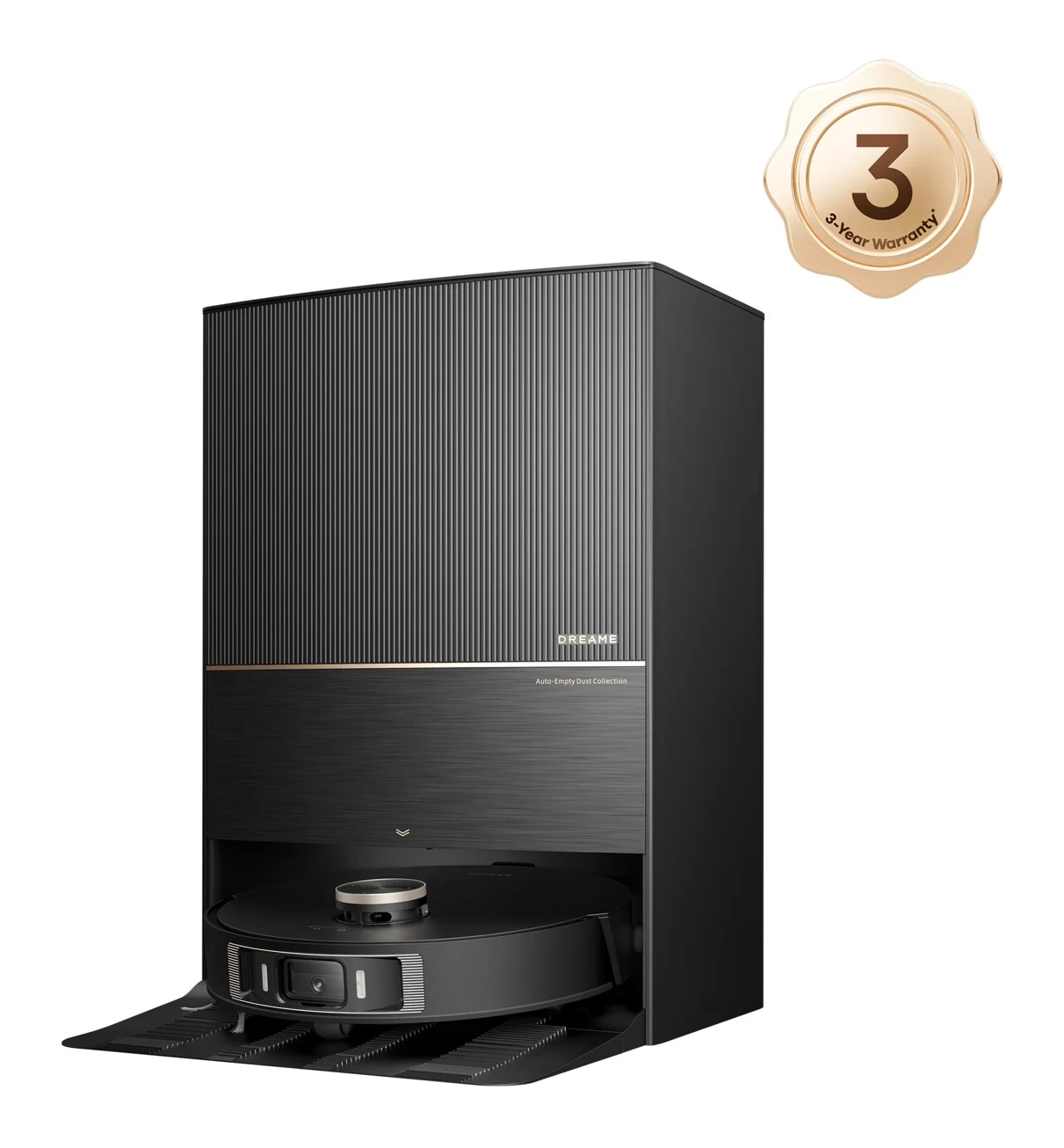
L20 Ultra
Why consider it: It mops right up to the edges and leaves its mops at the dock when it vacuums carpet.
The compromise: The dock is large, it can be noisy, and its object recognition still slips up.
L10s Ultra Gen 2
Why consider it: An everyday cleaner with a convenient dock and strong mopping, from a later L10s generation.
The compromise: Home testers saw missed edges, scattered debris and odd routes.
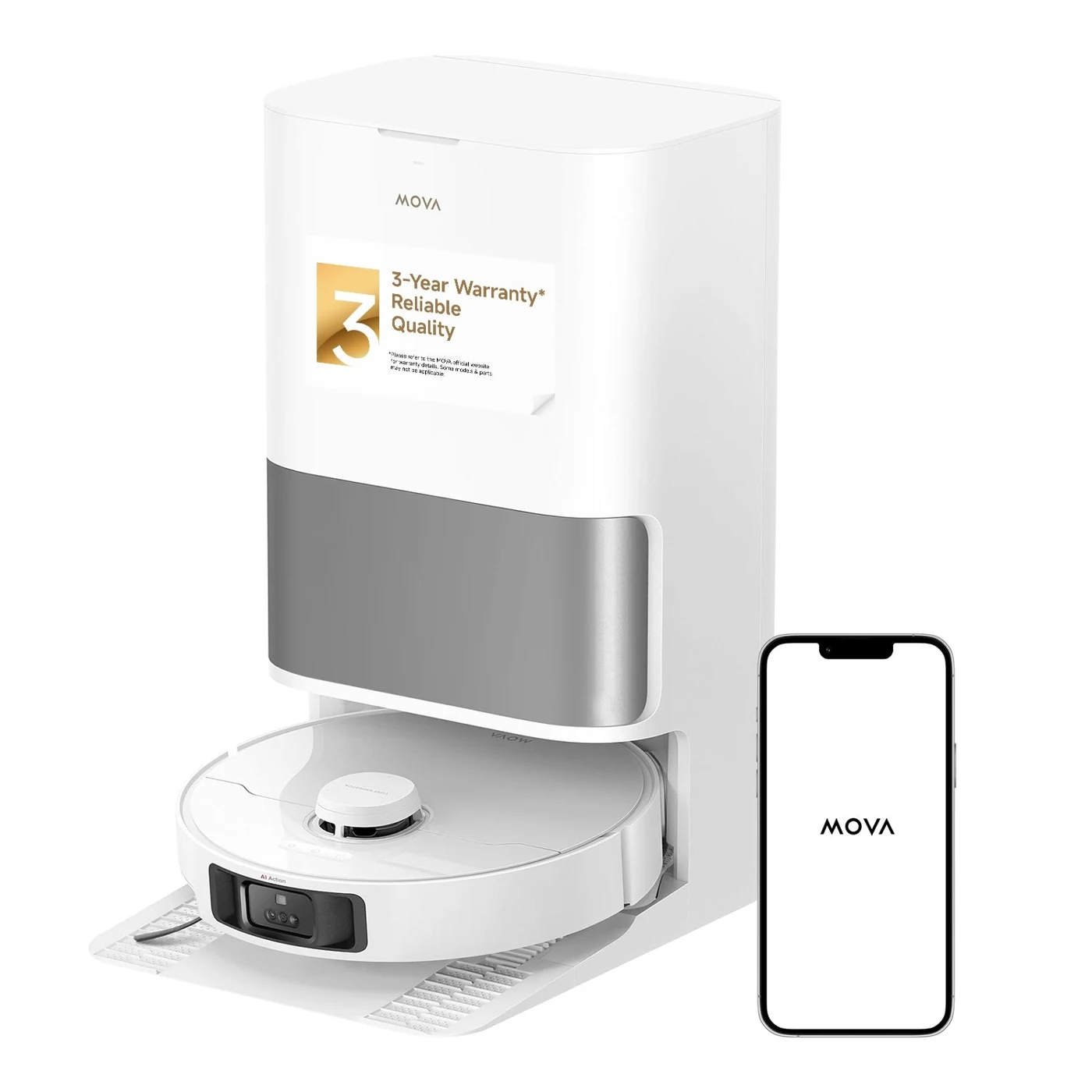
P10 Pro Ultra
Why consider it: Good hard-floor cleaning and obstacle handling, with an extending brush and mop and a well-automated dock.
The compromise: Tests found it weaker on carpet hair and at picking up along edges.
L10s Pro Ultra Heat head to head
Head to head
Dreame L20 Ultra vs L10s Pro Ultra Heat
Our verdict: Pick the L20 Ultra if you have carpet. It has the same suction claim and a swing-out edge mop, but it leaves its mops at the dock before vacuuming. One tester saw the same brush-tearing problem on both, so that isn't a reason to choose either.
Specs
Full specifications
Each specification names its source. Manufacturer claims are not independent test results; unconfirmed figures are labelled.
Owner reviews
Do you own the L10s Pro Ultra Heat?
Tell people how it’s held up: cleaning, maintenance, faults and support. Owner accounts are shown separately from independent reviews.
Sources
Where this page’s findings come from
Editorial reviews
- Notebookcheck: Dreame L10s Pro Ultra Heat comparison review ↗Hands-on, A few weeks at home
- BTTR: Dreame L10s Pro Ultra Heat robot vacuum review ↗FlawedHands-on, 2 months at home
- The AU Review: The Dreame L10s Pro Ultra Heat review ↗4.5 / 5Hands-on, A few months of ownership
Sources
- Dreame: L10s Pro Ultra Heat product page ↗Manufacturer
Videos
- Search YouTube for Dreame L10s Pro Ultra Heat ↗Search results may include company demonstrations or similar models. Check the source and model name; a demonstration is not an independent performance test.