
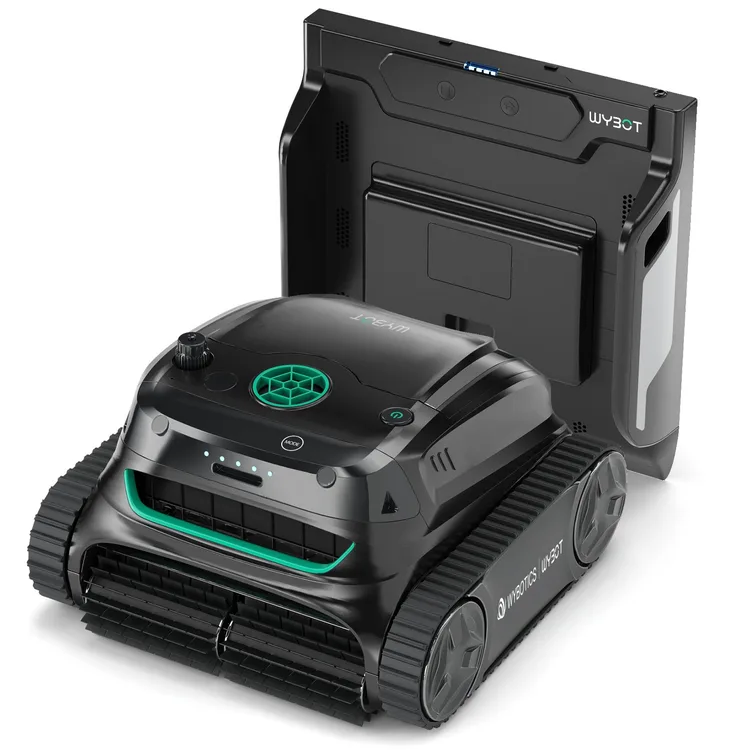
S2 Pro
3 independent reviewsRead the findings →WYBOT's cordless S2 with a wall-mounted dock it drives back to and charges on without leaving the water. It suits straight-sided pools where you rarely want to lift a robot out. Docking fails if your waterline tiles stick out.
See the alternatives below, or switch market.
Where it sits in WYBOT’s range
- S2The same robot without the in-pool charging dock
- S2 ProThis model
- WYBOT S2 SolarS2 with a solar-powered charging dock
- S2 Solar VisionSolar dock plus a camera for spotting debris · $1,599.99
- S3Newer model with 3D mapping and a camera
Feedback
What reviewers found
Three hands-on tests, all positive about the cleaning. PCMag found it cleaned a gunite pool thoroughly, leaves, acorns and sand included, but it couldn't climb onto the dock because the pool's tile border stuck out, and the app kept losing contact. The Gadgeteer had no docking trouble in an old in-ground pool and was stunned by how much grime it caught. Gearbrain liked the cleaning and water clarity but tested without the dock, and found charging by hand a chore. Whether it's worth buying comes down to the dock.
PCMag, hands-on, Aug 2024 (Tested in a 16 x 32ft gunite pool) · The Gadgeteer, hands-on, Aug 2024 (Tested in a 9ft-deep, 50-year-old in-ground pool) · Gearbrain, hands-on, Dec 2024 (Tested without the charging dock)
Floor, wall and waterline
Reviewers rate it highlyPCMag found it did a fantastic job on the floor, walls and waterline of a gunite pool. The Gadgeteer compared the result in a 50-year-old pool to vacuuming by hand, and Gearbrain found it left the water very clear.
Debris
Reviewers rate it highlyPCMag saw it pick up leaves and acorns with ease, and the foam filter trapped sand and fine particles. The Gadgeteer was stunned by the grime it caught in a pool that looked clean, and Gearbrain found it cleared debris after a hurricane.
Coverage and navigation
Reviewers rate it highlyPCMag found it finished every cycle in a 16 by 32ft pool before heading for the dock, and The Gadgeteer found its treads coped with the main drain, where a previous robot got stuck.
Battery and charging
Mixed resultsIt all comes down to the in-pool dock. The Gadgeteer found self-charging top-notch, but in PCMag's pool a protruding tile border stopped the robot climbing on, and Gearbrain, testing without the dock, found lifting it out to charge after every session a chore.
Filter and retrieval
Reviewers rate it highlyPer PCMag and The Gadgeteer, both filters lift out and rinse clean with a hose, and The Gadgeteer found the solid handle made lifting the robot out easy. It weighs 18.7 pounds, per PCMag.
Pool types it suits
Mixed resultsThe dock needs a straight wall, clearance above the waterline and deep water. The Gadgeteer had no trouble in an old in-ground pool, but PCMag's protruding waterline tile left a gap the robot couldn't climb, so check your wall first.
Reliability and support
Not enough evidenceNone of the reviews we use has run it long-term or judged WYBOT's support. PCMag found the app connection dropped often and needed several restarts.
Value
Not enough evidenceOnly Gearbrain judged value, calling it a strong value at its sale price for the automation it offers, compared with cheaper and pricier rivals.
Verdicts come from independent, hands-on, finished reviews. An area needs at least two of them before we say more than “Not enough evidence”. We don't score robots ourselves. How this works
Docking depends on your pool wall
The Gadgeteer saw it find its base and park itself to charge, and called the self-charging top-notch. PCMag had the opposite result. Its pool's waterline tile sticks out about half an inch, leaving a gap under the dock, so the robot lined up but couldn't climb on, fell to the floor and had to be hooked out. PCMag expects docking works on straight walls. Per PCMag, the bracket needs at least 0.8 inch above the waterline and four feet of water, so check your pool first.
Strong cleaning, fine dirt included
PCMag found it cleaned its 16 by 32ft gunite pool very well, finishing every cycle before heading back to the dock, and it had no trouble with leaves and acorns. The foam filter trapped sand and other fine particles. The Gadgeteer ran it in a 50-year-old pool that already looked clean and was stunned by the grime it collected in three and a half hours, comparing the result to vacuuming by hand. Gearbrain found it cleared debris after a hurricane and left the water very clear.
Without the dock, it's a chore
Gearbrain tested the robot without its dock, and that shaped its verdict. Taking it out, emptying it, charging it and putting it back after every session spoils an otherwise easy robot, it says, and it scored the S2 Pro 7 out of 10 partly for that. With the dock, it reckons, you'd only need to empty the filters every few days. PCMag adds that scheduling and remote control only work once the dock is installed.
App: useful, but drops out
The app sets cleaning modes, patterns and weekly schedules, and steers the robot underwater. The Gadgeteer found it easy to use, and its mother preferred the cross pattern for the floor. PCMag could steer it, but the connection kept dropping with an underwater-communication error, and it had to restart the app several times. Gearbrain notes Wi-Fi and Bluetooth drop once the robot is submerged, so set everything up before it goes in.
Filters and handling
Both filters lift out and rinse clean with a garden hose, according to The Gadgeteer and PCMag. The robot weighs 18.7 pounds, per PCMag, and The Gadgeteer found its solid handle made lifting it out easy, with a hook supplied for the pole. Its tank treads also coped with the main drain, where The Gadgeteer's previous Aiper robot sometimes got stuck. One niggle: the dock bracket is fixed with adhesive pads that need 48 hours to set.
All three reviews cover the S2 Pro, but Gearbrain tested the robot without its charging dock.
Our take
Should you buy the S2 Pro?
Best for: Pools with space beside the water for a charging station. Skip it if: Your pool walls or projecting tiles leave no suitable place for the dock.
Buy it if you have a straight-sided pool with room for the dock and want a robot you rarely have to lift out. If your waterline tiles protrude or you'd rather not stick anything to the wall, the plain WYBOT S2 is the same robot without the dock. For a simpler cordless robot that parks at the edge, the WYBOT C2 is the tested alternative.
The S2 Pro is WYBOT's S2 robot sold with an in-pool charging dock. The dock sticks to the wall at the waterline, and when the battery runs low the robot finds it and charges there wirelessly, so you don't lift it out to plug it in. It's cordless and tracked, and cleans the floor, walls and waterline. The app sets schedules and lets you steer it underwater. WYBOT launched it in 2024 but no longer lists it in its own shops, where the S2 Solar, with a solar-powered dock, sits alongside the plain S2.
The dock is the whole point, and it's also the catch. It needs a flat wall, deep enough water and a gap above the waterline, and it's fixed with adhesive pads. Without the dock, you're charging a plain S2 with a plug. If you find one, check your pool wall before you buy.
Before you buy
The questions people ask about this one
Will the dock work in my pool?
Only if your wall suits it. The bracket sticks on with adhesive at least 0.8 inch above the waterline, in water at least four feet deep, per PCMag. In PCMag's pool a protruding tile border stopped the robot climbing on. The Gadgeteer had no trouble, but wished for an adjustable mount instead of adhesive.
Is it cordless, and how long does a charge last?
Yes. WYBOT claims up to 210 minutes a charge and three hours to recharge, per the specifications. The Gadgeteer saw a three-and-a-half-hour clean, and PCMag found it finished every cycle before returning to the dock. You can also charge it with a plug out of the water.
Does it climb walls and clean the waterline?
Yes. The robot has wall, floor and wall-and-floor modes, and the app adds waterline-only, turbo and eco modes, per PCMag, which found it cleared debris from the floor, walls and waterline.
How do I clean the filter?
Open the top, lift out the mesh filter box and the separate foam filter, and hose them down. PCMag found it quick and easy, and The Gadgeteer says both clean up nicely with a garden hose.
Alternatives
Other robotic pool cleaners to compare.
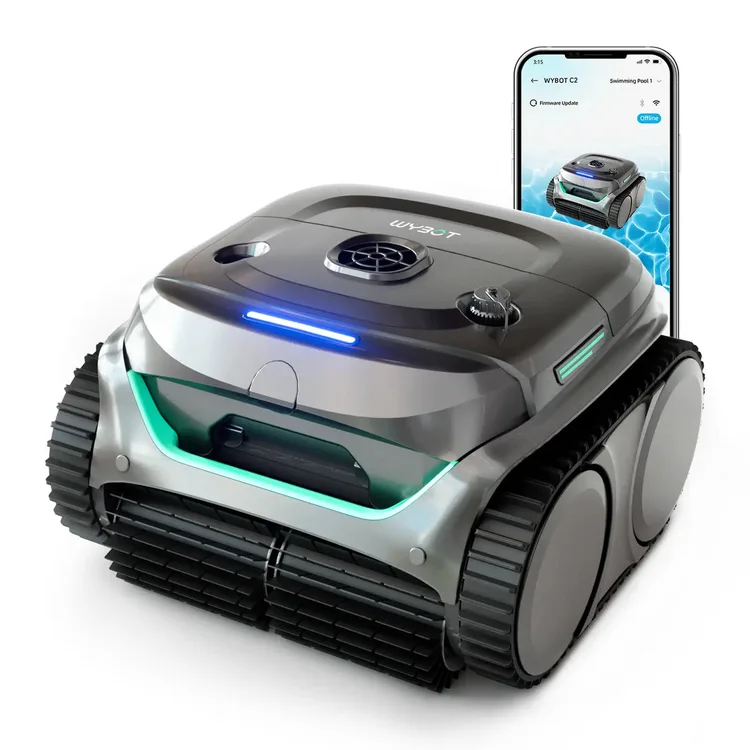
C2
Why consider it: A simpler cordless WYBOT that cleans the floor, walls and waterline, then parks at the edge, and two testers found it effective.
The compromise: A third tester found its suction weak, and there's no charging dock.
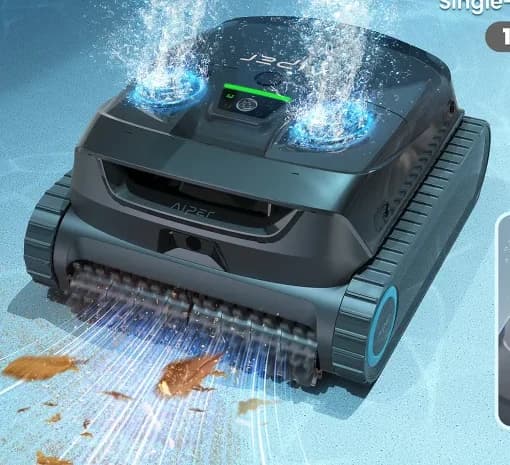
Scuba X1
Why consider it: It also comes with a charging dock, and testers agree it's good on floors and fine dirt.
The compromise: You still hook it out after runs, and its layered fine filter is a chore to rinse.
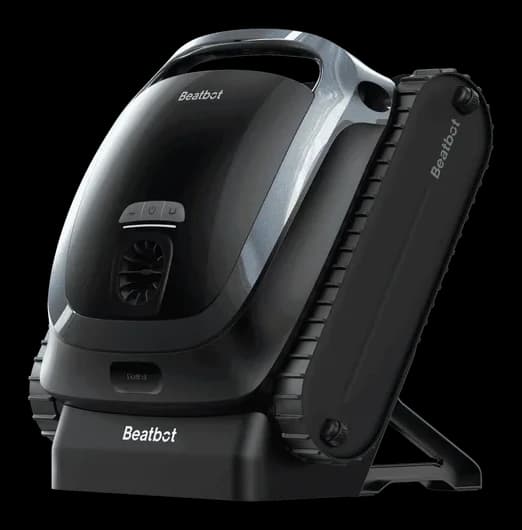
AquaSense 2
Why consider it: Testers liked its floor and wall cleaning, and it floats to the edge when it's done, so you don't need a hook.
The compromise: It doesn't skim, and steps and fine silt were hit and miss in testing.
Specs
Full specifications
Each specification names its source. Manufacturer claims are not independent test results; unconfirmed figures are labelled.
Owner reviews
Do you own the S2 Pro?
Tell people how it’s held up: cleaning, maintenance, faults and support. Owner accounts are shown separately from independent reviews.
Sources
Where this page’s findings come from
Editorial reviews
- PCMag: Wybot S2 Pro Cordless Robotic Pool Cleaner Review ↗3.5 / 5Hands-on · Tested in a 16 x 32ft gunite pool
- The Gadgeteer: WYBOT S2 Pro Cordless Robotic Pool cleaning robot review ↗Hands-on · Tested in a 9ft-deep, 50-year-old in-ground pool
- Gearbrain: WYBOT S2 Pro Review ↗7 / 10Hands-on · Tested without the charging dock
Sources
- WYBOT: S2 Pro product page (Europe) ↗Manufacturer
- WYBOT: S2 and S2 Pro filter box (spare part) ↗Manufacturer
Videos
- Search YouTube for WYBOT S2 Pro ↗Search results may include company demonstrations or similar models. Check the source and model name; a demonstration is not an independent performance test.